As an Amazon Associate, The Cable Edit may earn from qualifying purchases. Last update: 2026-09-13. Author: The Cable Edit.
Short answer: MagSafe is a magnetic charge path. USB-C is the port that also does data and (on the right cable) video. For most MacBook Air M2/M3 buyers who already have USB-C chargers, a labeled 100W-class USB-C to USB-C cable is the practical everyday pick. MagSafe wins when you want easy magnetic disconnect at a desk.
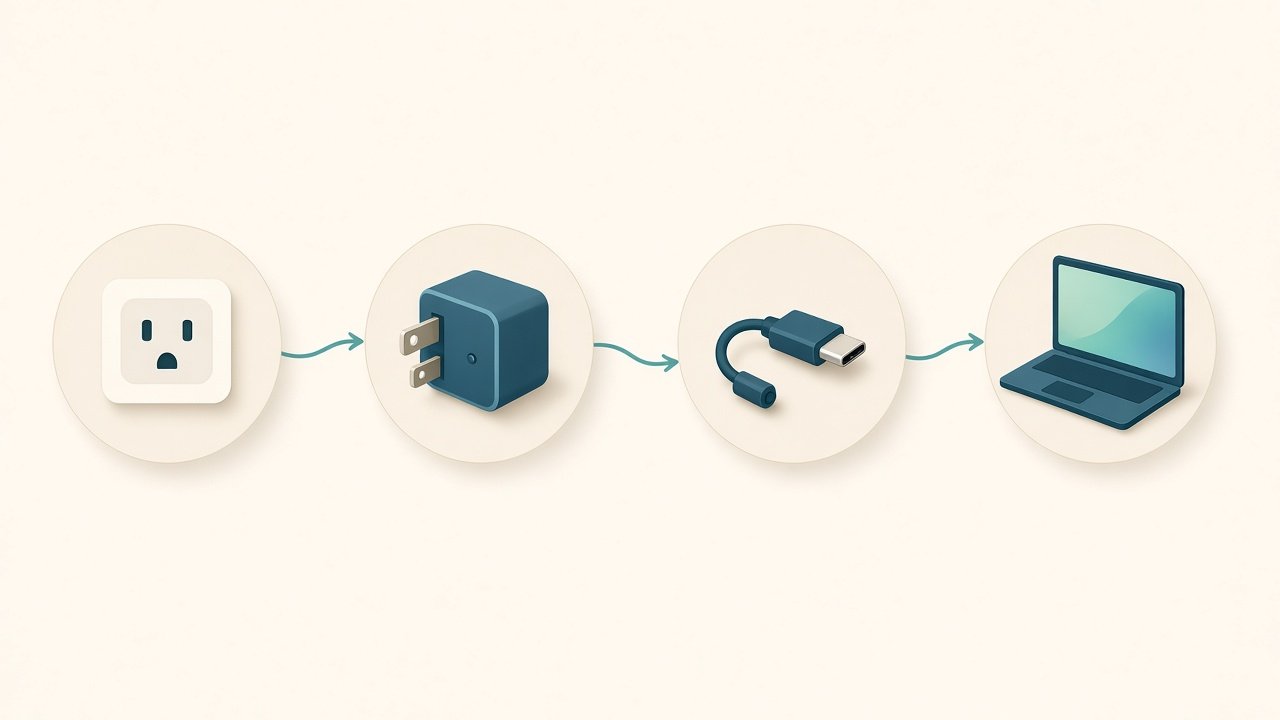
If you charge over USB-C — primary pick
Anker 333 USB-C to USB-C (6ft, 100W) · A8757 · B09LCJPZ1P
- Buy this if: Air (or Pro) charging over USB-C; useful desk length.
- Avoid this if: you need MagSafe magnets, or a display/Thunderbolt cable.
- Evidence: listing-observed 100W / USB 2.0 / no video · Apple USB-C power adapters
Claim-level evidence
- MacBooks charge over USB-C: document-verified — Apple Support 109509.
- MagSafe is a separate magnetic accessory path: document-verified — Apple product pages for MagSafe chargers (model-specific).
- Anker 333 specs: manufacturer-stated / listing-observed on B09LCJPZ1P. Personally tested: not claimed.
Not sure which setup you have? Use the chooser — answers change the recommendation.
Related: Best USB-C cable for MacBook Air · Why wattage matters
MagSafe vs USB-C (practical)
| Path | Best for | Watch-outs |
|---|